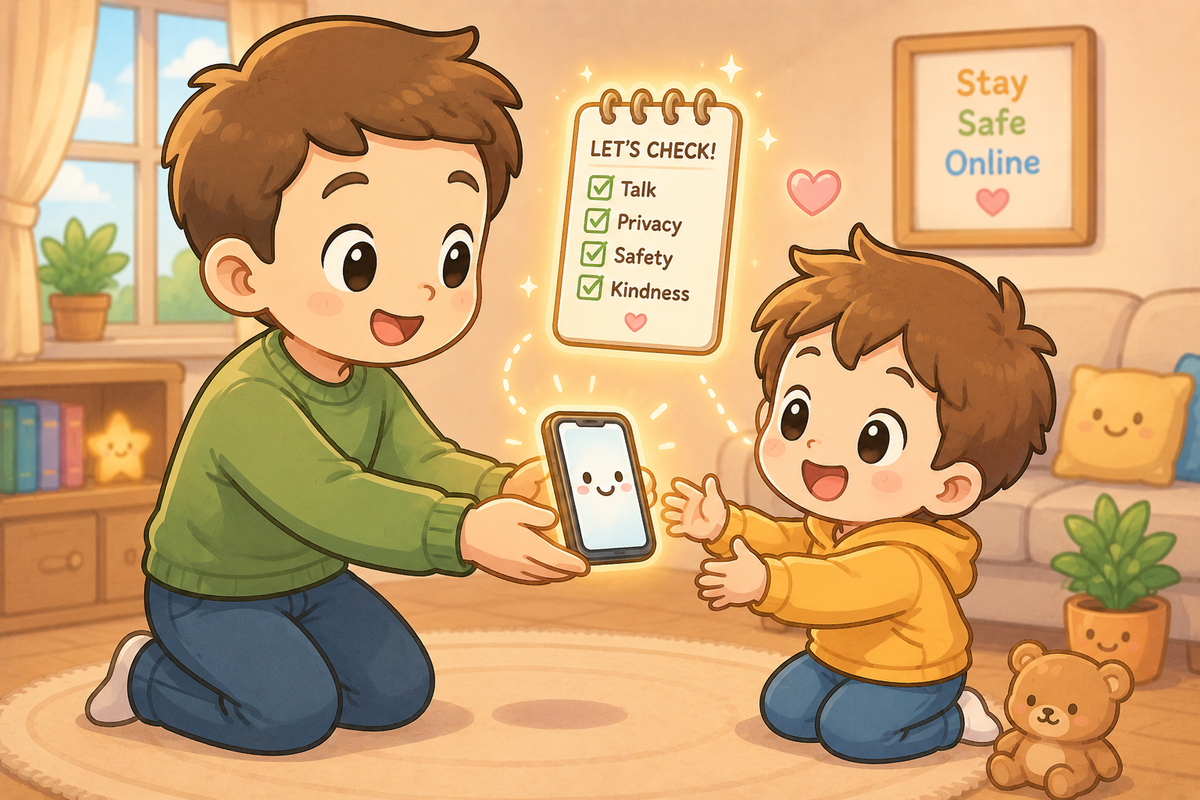
This is the first in a new four-part series for UK families. Plain English, no jargon, practical advice you can act on today.
There is a moment that every parent of a school-age child will recognise. The moment you hand over a smartphone for the first time. It might be for safety — so they can call you when they arrive somewhere. It might be social — because everyone else in their class seems to have one. It might simply be that the time feels right.
Whatever the reason, most parents hand over that phone with a mixture of hope and low-level anxiety. The hope is that it will be useful and connect them. The anxiety is a vague but persistent sense that there are things on that device — and beyond it — that you do not fully understand and cannot fully control.
This article is not about whether to give your child a phone. That decision belongs to you and depends on your child. It is about what to do in the hour before you hand it over.
First: a note on the law and the platforms
The UK's Online Safety Act came into full force for children's protections in July 2025. It requires platforms likely to be accessed by children to put meaningful age checks in place — not just a tick-box saying "I am over 13" — and to protect children from harmful content. Ofcom, the regulator, has already opened investigations into more than 90 platforms and issued fines to those that have not complied.
This is genuinely good news. But it does not mean the internet is now safe for children by default. The law sets a floor, not a ceiling. The platforms are still commercial businesses with their own interests. And the most important protections your child has are the ones you put in place together.
The five things to set up before you hand it over
1. Create the account together, with your email address attached.
When you create an account on any platform — Apple ID, Google account, social media — use your email address as the recovery address, not your child's. This means that password reset requests, security alerts, and account recovery options come to you, not just to them. It also means you have a way back in if something goes wrong.
For children under 13, Apple's Family Sharing and Google Family Link allow you to create supervised accounts that give you meaningful oversight without requiring you to stand over their shoulder. Set these up before the phone is switched on for the first time.
2. Turn on screen time controls — together, not secretly.
Every modern smartphone has built-in screen time management. On iPhone it is called Screen Time. On Android it is Digital Wellbeing. Both allow you to set daily limits on specific apps, restrict content by age rating, prevent app downloads without approval, and see how time is being spent.
The research is clear on one thing: controls work better when children understand why they exist and have been involved in setting them. A limit that feels like a punishment will be worked around. A limit that was agreed together is far more likely to be respected. Have the conversation first. Then set the controls.
3. Turn off or restrict location sharing — then have a conversation about when it is on.
Most smartphones share location data by default with apps that request it. Go through the app permissions together and turn off location access for every app that does not genuinely need it. For most apps, the answer to "does this need to know where my child is?" is no.
Family location sharing — where parents can see their child's location — is a separate and personal decision. If you choose to use it, be honest with your child that it is on. Secret monitoring tends to damage trust when it is discovered, and it will be discovered. The conversation is more valuable than the surveillance.
4. Set up the basics: strong password, two-factor authentication, and a PIN.
A strong password for the main account, two-factor authentication switched on, and a PIN or biometric lock on the phone itself. These three things protect everything else. If the phone is lost or stolen without a PIN, whoever finds it has access to every account on it.
Do this together. Make sure your child knows the password and understands why it should not be shared with friends — including best friends. The NCSC's current advice is to use three random words as a passphrase: something long, memorable, and hard to guess.
5. Have the "what to do if something feels wrong" conversation before anything goes wrong.
The single most protective thing you can do is make sure your child knows they can come to you without fear of losing their phone. The 2024 NSPCC survey found that many children who experienced cyberbullying did not tell their parents because they feared their device would be taken away. That fear — of the consequence, not the incident — is what keeps children silent.
Say it clearly, and mean it: "If anything on this phone upsets you, confuses you, or scares you — I want to know. You won't be in trouble. You won't lose the phone. I just want to help." Then follow through.
What about social media?
Most major social media platforms have a minimum age of 13. That age limit exists for a reason — it reflects both legal requirements around data collection for children and a recognition that some content is not appropriate for younger children.
In practice, many children lie about their age to create accounts earlier. The Online Safety Act is pushing platforms to make this harder, and Ofcom has set a deadline of 30 April 2026 for the major platforms — including Facebook, Instagram, Roblox, Snapchat, TikTok, and YouTube — to report back on what steps they are taking to enforce their own age limits with effective checks.
For parents, the honest position is this: if your child is under 13 and has social media accounts, those accounts were created by lying about their age. That is not necessarily a crisis — it is very common — but it is worth knowing, and worth a conversation about why age limits exist and what they are trying to protect against.
The broader picture
The government's national consultation on children's online experiences — launched in March and open until 26 May 2026 — has been gathering evidence on exactly these questions: what interventions actually work, what families need, and what platforms should be required to do. The results will shape UK online safety law for years to come.
The consistent finding from research in this area is that the most effective protection is not the strictest control. It is the most open conversation. Children who feel able to talk to a trusted adult about what they encounter online are far better protected than children with the most sophisticated parental controls and no one to talk to.
The phone is a tool. The relationship is the safeguard.
What does this mean for me?
Before you hand over the phone: set up supervised accounts with your email as the recovery address; turn on screen time controls together; review app permissions and turn off unnecessary location access; set a strong password, two-factor authentication, and a PIN.
The conversation that matters most: make sure your child knows they can come to you without fear of losing their device if something goes wrong online.
For under-13s on social media: have an honest conversation about why age limits exist rather than simply banning or ignoring it.
Check in regularly. Not intrusively — just the way you would ask about school or friends. "Anything interesting happening online?" is a better question than "Let me see your phone."
🧠 The Human Factor
| Technology involved | Smartphones, supervised account systems (Apple Family Sharing, Google Family Link), social media platforms, and built-in screen time management tools |
| Root cause | Most online safety incidents involving children happen not because technology failed but because conversations didn't happen — children didn't know what to do, or didn't feel safe saying something had gone wrong |
| What was at risk | Privacy, personal safety, exposure to inappropriate content, and the trust between parent and child that is the most effective long-term protection |
| Prevention | Set up accounts and controls together; have the "you can always tell me" conversation before anything goes wrong; make the relationship the safeguard, not just the settings |
Useful resources
- UK Safer Internet Centre — saferinternet.org.uk
- NSPCC online safety guidance for parents — nspcc.org.uk/online-safety
- Childline (for children) — childline.org.uk or 0800 1111
- NCSC guidance on passwords and accounts — ncsc.gov.uk
- Internet Matters parental controls guides by device — internetmatters.org
Next in the series: Gaming, chat, and strangers — what your child is actually doing online.
Last updated: 20 May 2026