Here is the problem we left you with on Friday. Every account should have a unique, long, random password. Most people manage between seventy and a hundred online accounts. The human brain is not designed to store a hundred unique sixteen-character random strings. Something has to give.
For most of the history of the internet, what gave was security. People used the same password everywhere, or a small rotation of passwords, because there was no realistic alternative.
There is now a realistic alternative. It is called a password manager, and it is the single most effective thing most people could add to their digital life today.
So what actually is a password manager?
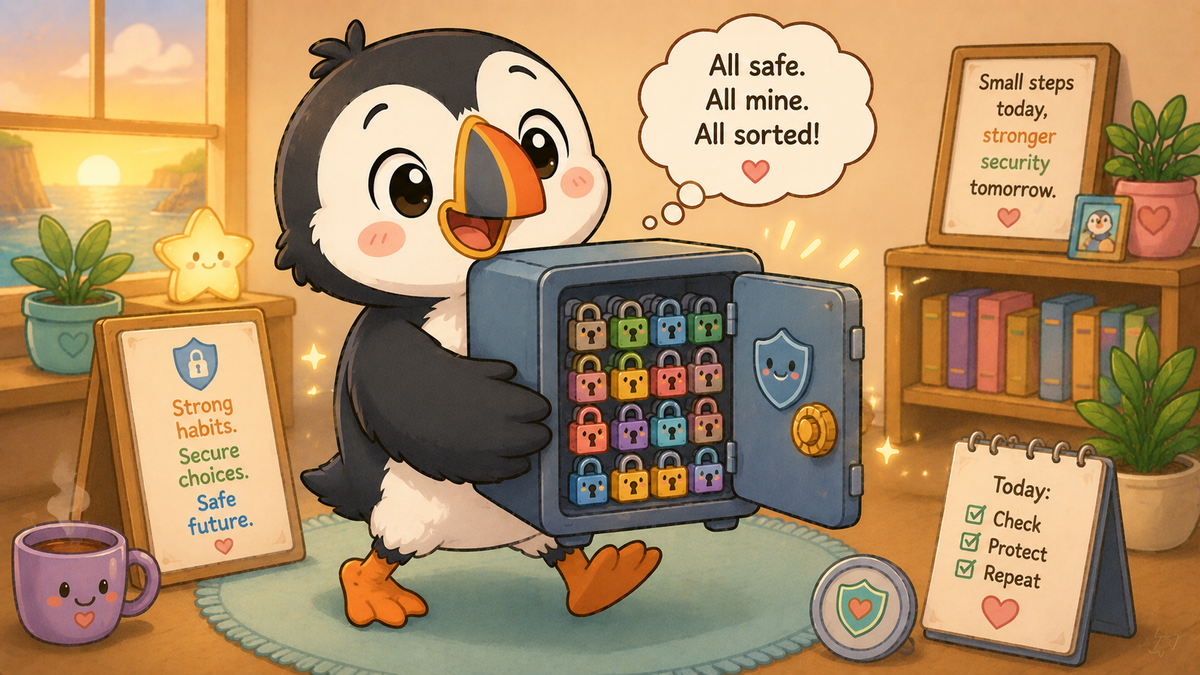
A password manager is an app — on your phone, your computer, or both — that stores all your passwords in an encrypted vault. The vault is locked with one master password, which is the only one you need to remember. The app remembers all the others.
When you visit a website that needs a login, the password manager fills in your username and password automatically. When you create a new account, it generates a genuinely random password — something like "kX7#mP2@qL9vR5wN" — that you could never remember and would never need to, because the app remembers it for you.
The result is that every single account you have can have a different, genuinely random, impossibly strong password, without you having to remember any of them.
"But isn't that putting all my eggs in one basket?"
This is the most common concern about password managers, and it is a fair question. If someone gets into your password manager, they have everything.
The response to this is twofold. First, the alternative — reusing passwords — is not a safer basket. It is dozens of baskets, all with holes in. The moment any one of the sites you use suffers a breach, your reused credential is out in the world being tried against every other account you have. A password manager, properly set up with a strong master password and two-factor authentication, is dramatically safer than the realistic alternative.
Second, reputable password managers encrypt your vault in a way that means even the company running the service cannot see your passwords. The encryption happens on your device. If their servers are breached, what the attacker gets is an encrypted file they cannot read without your master password.
This is not hypothetical. LastPass, one of the major password managers, suffered a breach in 2022 that exposed encrypted user vaults. The vaults were taken — but because they were encrypted with users' own master passwords, the passwords inside remained protected for users who had a strong master password and good security practices. The lesson from that incident was not "don't use a password manager." It was "use a strong master password and keep it separate."
Which password manager?
You may already have one without realising it. Both Apple and Google build password managers into their ecosystems — iCloud Keychain for Apple devices, Google Password Manager for Android and Chrome. These are free, reasonably well-regarded, and good enough for most people's needs, provided you use them consistently.
The main limitation of built-in password managers is that they work best within their own ecosystem. If you use both Apple and Android devices, or a mix of browsers, a standalone password manager like Bitwarden (free and open source), 1Password, or Dashlane may serve you better.
The most important thing is not which one you choose. It is that you choose one and actually use it. A password manager you use 80% of the time is dramatically better than no password manager at all.
Setting one up — the basics
The master password is the only one that now matters, so make it count. A long passphrase — four or five random words, a number, a symbol — is ideal. Write it down on paper and keep it somewhere safe at home. This is one of the rare cases where writing a password down is actively encouraged, because the consequences of forgetting your master password are severe enough to warrant a physical backup.
Enable two-factor authentication on the password manager itself. This means that even if someone knows your master password, they also need your phone to get in.
Start by importing your existing passwords. Most password managers can import from your browser's saved passwords. Then, over time, change the weak and reused ones to randomly generated alternatives — the password manager will do the generation for you.
You do not need to do everything at once. Start with your most important accounts: email, banking, anything financial. Then work outward.
What does this mean for me?
If you are not using a password manager, start this week. Apple and Google's built-in options are free and require no additional software. They are good enough for most people and already installed on your device.
The master password is the only one you now need to protect. Make it long, make it a passphrase, write it down on paper, and enable two-factor authentication on the manager itself.
For families: most password managers support family plans, allowing parents to manage shared accounts — streaming services, household utilities — while each family member has their own secure vault. Worth exploring.
For children: the habit of using a password manager is easier to build early than to build later. If your child is old enough to have online accounts, they are old enough to start learning good password habits.
🧠 The Human Factor
| Technology involved | Encrypted password vaults, local-first encryption, browser integration, and two-factor authentication on the manager itself |
| Root cause | The human memory cannot realistically manage unique strong passwords across dozens of accounts — password managers exist specifically to solve this problem in a way that human behaviour alone cannot |
| What was at risk | Every account protected by a reused or weak password — which, before using a password manager, was almost certainly most of them |
| Prevention | A password manager with a strong master password and two-factor authentication; a physical written backup of the master password kept somewhere secure at home |
References and sources
- NCSC: Password manager guidance — ncsc.gov.uk
- Bitwarden (free, open source) — bitwarden.com
- Apple iCloud Keychain — support.apple.com
- Google Password Manager — passwords.google.com
- LastPass 2022 breach post-incident analysis