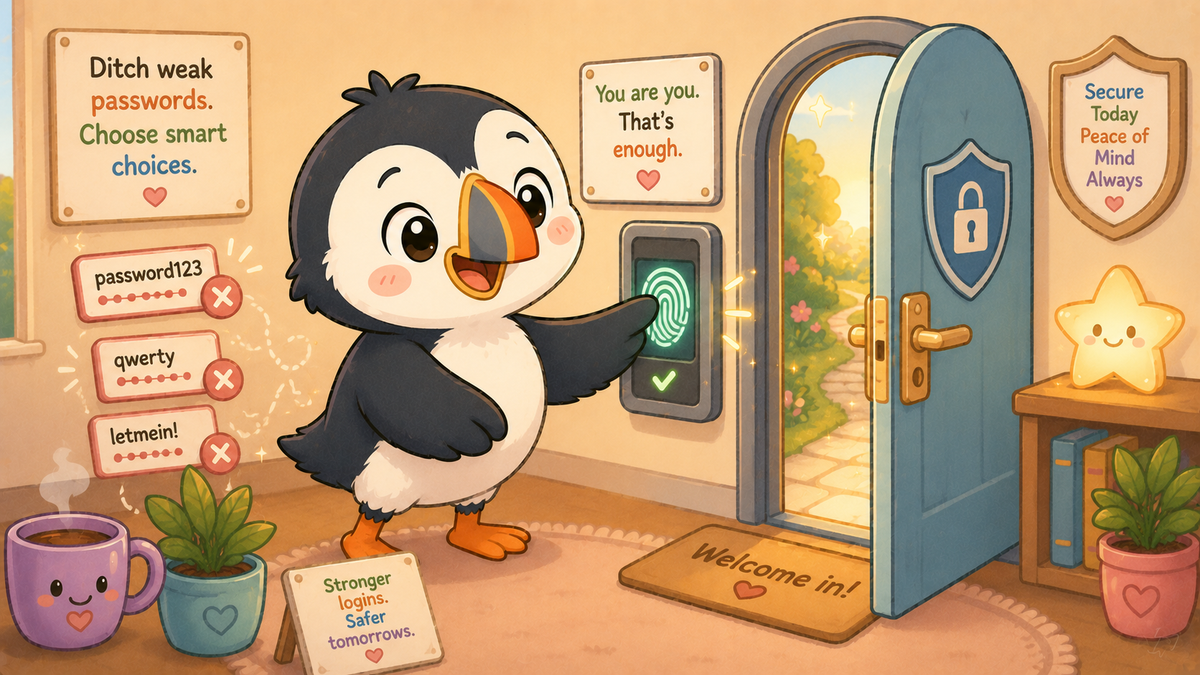
Here is a question that sounds philosophical but is actually quite practical: what if you did not need a password at all?
Not a better password. Not a longer password. Not a password stored in a manager. No password. Just your face, or your fingerprint, or your device. And the whole concept of "something you know" being the thing that proves you are you simply disappears.
This is not a distant future. It is happening right now, on phones and websites and apps that hundreds of millions of people already use. It is called a passkey, and it is the most significant change to digital authentication in twenty years.
So what actually is a passkey?
A passkey replaces a password with a cryptographic key pair — two mathematically linked numbers, one stored on your device and one stored on the website. When you log in, your device proves to the website that it has the right key by performing a mathematical operation that only works if both keys match. You prove you are the owner of the device by passing the device's own security check — your fingerprint, your face, or your PIN.
The part that makes this genuinely revolutionary: nothing that could be stolen is ever sent over the internet. Your private key never leaves your device. The website never sees it. There is no password to intercept, no credential to steal, and no combination of username and password to stuff into a breach database and try elsewhere.
If a website using passkeys suffers a data breach, the stolen data cannot be used to log into your account. There is nothing to steal that would work anywhere else.
You have probably already used one
If you have signed in to an app on your iPhone or Android phone recently and it asked for your fingerprint or face rather than a password, there is a reasonable chance you were using a passkey or something very close to it.
Apple, Google, and Microsoft all launched passkey support across their platforms in 2022 and 2023. By January 2026, the FIDO Alliance — the industry body that maintains the passkey standard — confirmed that over one billion people had activated at least one passkey, and that 48% of the world's top one hundred websites now support them. That number is growing rapidly.
Services that already support passkeys include Google, Apple ID, Microsoft, PayPal, eBay, GitHub, and an increasing number of banks and government services. The experience is usually the same: instead of typing a password, you tap a button, your device asks for your fingerprint or face, and you are in. The whole process takes about three seconds.
The limits worth knowing
Passkeys are not yet universal. Many services still use passwords, and will do for some years. Password managers — covered in Part 3 — remain essential for accounts that have not yet moved to passkeys.
There is also the question of what happens if you lose your device. This is the concern most people raise first, and it is reasonable. The answer is that passkeys are backed up to your Apple or Google account, meaning they can be restored to a new device. The backup itself is encrypted. Losing a phone does not mean losing access to your accounts — provided you have a recovery method set up for your Apple ID or Google account itself, which brings the conversation back around to: having a strong, unique password and two-factor authentication for those accounts specifically.
The passkey revolution has not eliminated the need for passwords entirely. It has shifted where the password matters — from dozens of individual accounts to the single account that guards your device and your passkey backup.
Why this is genuinely good news
Phishing — the fake email or fake website designed to steal your password — is one of the most common entry points in cyber attacks, as the government's own annual survey confirmed this year. Phishing works because users type their credentials into a fake site that looks like the real one.
Passkeys are immune to phishing in a way that passwords — even strong ones in a password manager — are not. Your device will only release the passkey to the genuine, verified site. A fake login page cannot harvest something that is never typed and never sent.
This is not a small improvement. It removes an entire category of attack that accounts for the majority of credential compromises. Security researchers consistently describe passkeys as the most significant improvement in consumer authentication security in the modern era of the internet.
What does this mean for me?
When a service offers you a passkey, take it. The setup usually takes about thirty seconds and the experience is noticeably more convenient than typing a password. Security and convenience going in the same direction is rare enough to be worth celebrating.
Set up recovery options on your Apple ID or Google account. Since these accounts now protect your passkeys as well as everything else, they deserve your most careful security attention — long passphrase, two-factor authentication, recovery contact or key set up.
Keep using a password manager for everything that hasn't moved to passkeys yet. The transition will take years. Both systems will coexist for some time.
For children: the generation growing up with fingerprint and face authentication will find passkeys entirely natural. Building awareness of why they are more secure than passwords — and what still needs a password manager — is worth a conversation at home.
The book connection: A is for Ant and Authentication — the process of proving you are who you say you are. Passkeys are authentication at its most elegant: no secrets shared, nothing to steal, nothing to forget.
🧠 The Human Factor
| Technology involved | FIDO2/WebAuthn cryptographic key pairs, device-based biometric authentication, and cloud-backed key synchronisation across Apple and Google ecosystems |
| Root cause | Passwords are a fundamentally human solution to a computer problem — they require humans to remember secrets. Passkeys remove the human from that equation entirely, which is why they are so much harder to attack |
| What was at risk | Every account accessible via phishing, credential stuffing, or brute force attack — risks that passkeys eliminate structurally rather than through better human behaviour |
| Prevention | Adopt passkeys where offered; secure the device account (Apple ID, Google account) that backs them up with a strong passphrase and two-factor authentication |
References and sources
- FIDO Alliance: Passkey milestone — 1 billion activations, 48% of top 100 sites (January 2026) — fidoalliance.org
- NCSC: Passkeys blog post (January 2025) — ncsc.gov.uk
- UK Finance: 89% of mobile banking users authenticate with biometrics
- Apple passkeys support — support.apple.com
- Google passkeys — g.co/passkeys
This concludes the Passwords series. Next series: Ransomware — The Whole Story.