Imagine you are a builder, and you trust your supplier completely. You have been using them for years. Every morning a delivery arrives at your door — the same trusted van, the same familiar packaging, the same name on the side. You take the delivery inside without checking the contents. Why would you? It always comes from the same people.
Now imagine someone broke into that supplier's warehouse, swapped the contents of the boxes, and sent the delivery as normal. The van looks the same. The packaging looks the same. But what's inside is not what you ordered.
This is, in plain English, how a software supply chain attack works. And this week one happened to one of the most widely used tools in AI development.
So what actually is a software supply chain attack?
When developers build software — apps, websites, AI tools, or anything that runs on a computer — they almost never write everything from scratch. They use building blocks: ready-made pieces of software written by other people, collected in public repositories and downloaded on demand.
This is enormously efficient. It means a small team can build a sophisticated product by combining trusted, tested components rather than reinventing every wheel. The most popular software repositories contain hundreds of thousands of these building blocks, downloaded billions of times every day.
A supply chain attack targets this system of trust. Rather than trying to break into a company's own systems directly — which are often well-defended — an attacker instead targets something that company trusts and downloads automatically. If they can poison the supply, the poison delivers itself.
A real example: this week's litellm attack
On 24 March 2026, a group of attackers published two poisoned versions of a popular AI software library called litellm to PyPI — the main public repository for Python software packages. LiteLLM is downloaded approximately 3.5 million times every day by developers building AI-powered applications.
The poisoned versions looked completely legitimate. They had the right name, the right publisher, and passed all standard checks. Any developer who ran a routine update command that morning — the equivalent of clicking "install latest version" — received the compromised package automatically.
The moment it was installed, it began quietly collecting every password, key, and credential it could find on the machine and sending them to the attackers. It was active for approximately three hours before security researchers noticed something was wrong and the packages were removed.
Crucially, the attackers did not break into litellm's own systems to do this. They first compromised a separate security scanning tool called Trivy, which litellm used as part of its own build process. By poisoning that tool five days earlier, they stole the credentials needed to publish packages under litellm's name — and then used those credentials to slip the poison into the supply chain undetected.
The update dilemma: why this is genuinely difficult
Here is the uncomfortable tension at the heart of supply chain security — and it is one that professionals wrestle with constantly.
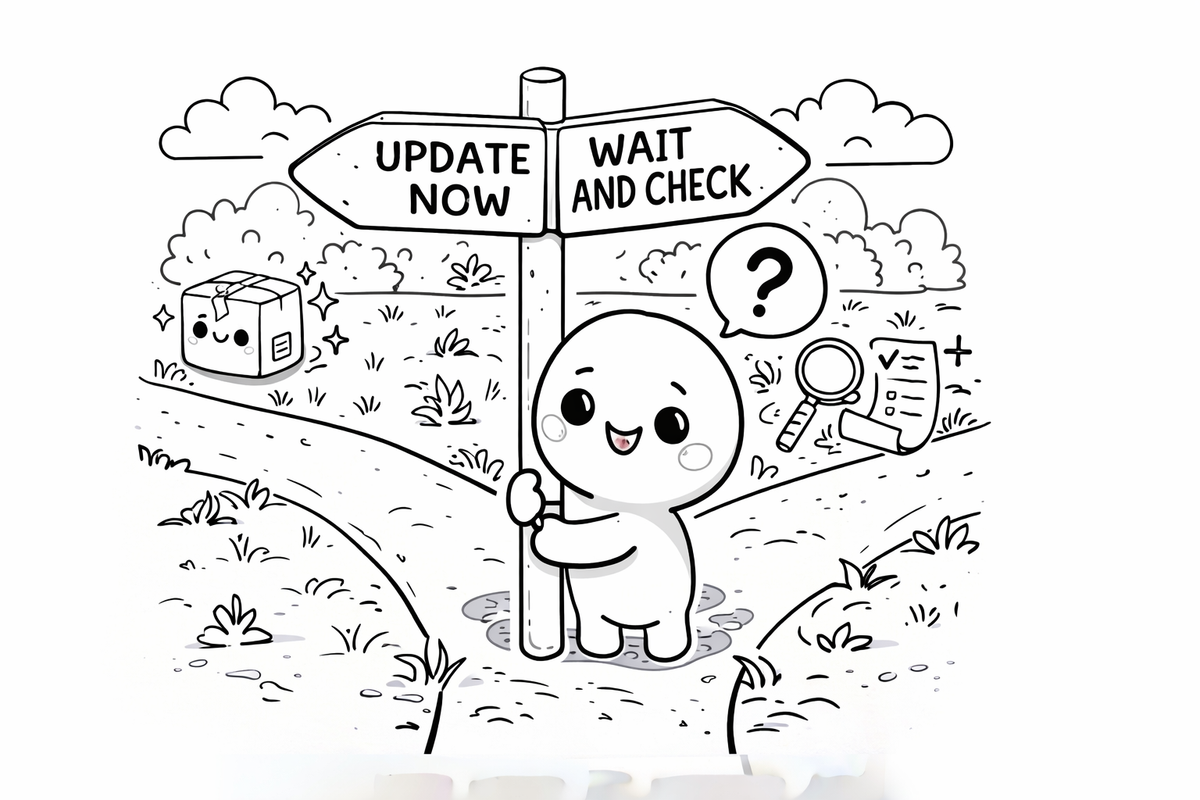
Keeping software up to date is important. Updates patch known security vulnerabilities. Running old software is one of the most common ways systems get compromised. Security guidance consistently says: keep your software updated.
But updating automatically and immediately introduces risk. As this week showed, a new version of trusted software can itself be the attack. If you auto-update the moment a new version appears, you may be the first to receive something that hasn't yet been verified as safe.
The professional answer is deliberate, not automatic, updating. Rather than always pulling the latest version, organisations pin their software to a specific known-safe version and update only after verification — checking that the new version matches what was released through official channels, that the community hasn't raised concerns, and that the update comes from the expected source. It takes more effort. But it closes the window that this week's attackers exploited.
For everyday users of consumer apps and devices, the calculus is different — the risks of not updating generally outweigh the risks of updating promptly. The pinning advice applies most strongly to developers and technical environments where software is assembled from many components.
How do you spot it — and protect yourself?
Supply chain attacks are specifically designed to be invisible. The whole point is that everything looks normal. But there are meaningful steps that reduce risk.
For everyday users: keep your consumer devices and apps updated through their official channels — the App Store, Google Play, Windows Update, or your device's own settings. Do not download apps or software from unofficial sources. This is where the risk lives for most people, not in package managers.
For developers and technical teams: pin your dependencies to specific verified versions. Do not auto-update to latest without reviewing what has changed. Check community channels — GitHub issues, security mailing lists — before deploying a new version of a critical dependency. Tools exist that can scan your dependencies for known compromised packages.
For everyone: this week's story is a reminder that "I didn't click anything suspicious" is no longer a complete defence. Sometimes the suspicious thing arrives inside something you already trusted.
Should you be worried?
For most people reading this, the litellm attack has no direct impact. It affected developers and technical systems, not consumer devices or everyday apps.
What it does illustrate is a pattern that is becoming more common. Supply chain attacks have been growing for years because they are highly effective — a single compromised component can reach millions of systems simultaneously, through channels those systems already trust. The attackers this week reached 3.5 million daily download events through a single poisoned update.
The answer is not alarm. It is awareness — and for those in technical roles, a specific set of practices that treat the supply chain itself as a thing that needs to be secured, not just assumed safe.
This week's attack on litellm. Last week's attack on Stryker. The M&S attack last year. Each one different in its method, but each one following the same fundamental principle: find the trusted thing, compromise it, and let the trust do the rest.
🧠 The Human Factor
| Technology involved | Software package repositories (PyPI), automated dependency management, and the chain of tools that developers use to build and distribute software |
| Root cause | Humans exploiting the trust that developers place in the tools and repositories they use every day — not by breaking technical defences, but by obtaining legitimate credentials and using them to poison a trusted source |
| What was at risk | Any credentials, keys, or secrets stored on systems that installed the compromised package — with potential downstream access to cloud services, databases, and production infrastructure |
| Prevention | Pin software dependencies to verified specific versions; update deliberately rather than automatically; verify new versions through official channels before deploying; treat the supply chain as a security surface, not a trusted given |
References and sources
- LiteLLM official security update (March 2026) — docs.litellm.ai
- FutureSearch original disclosure — futuresearch.ai
- Snyk: How a Poisoned Security Scanner Became the Key to Backdooring LiteLLM — snyk.io
- Datadog Security Labs full campaign analysis — securitylabs.datadoghq.com
- National Cyber Security Centre guidance on supply chain security — ncsc.gov.uk
Last updated: 27 March 2026 We update breaking stories as new information becomes available.