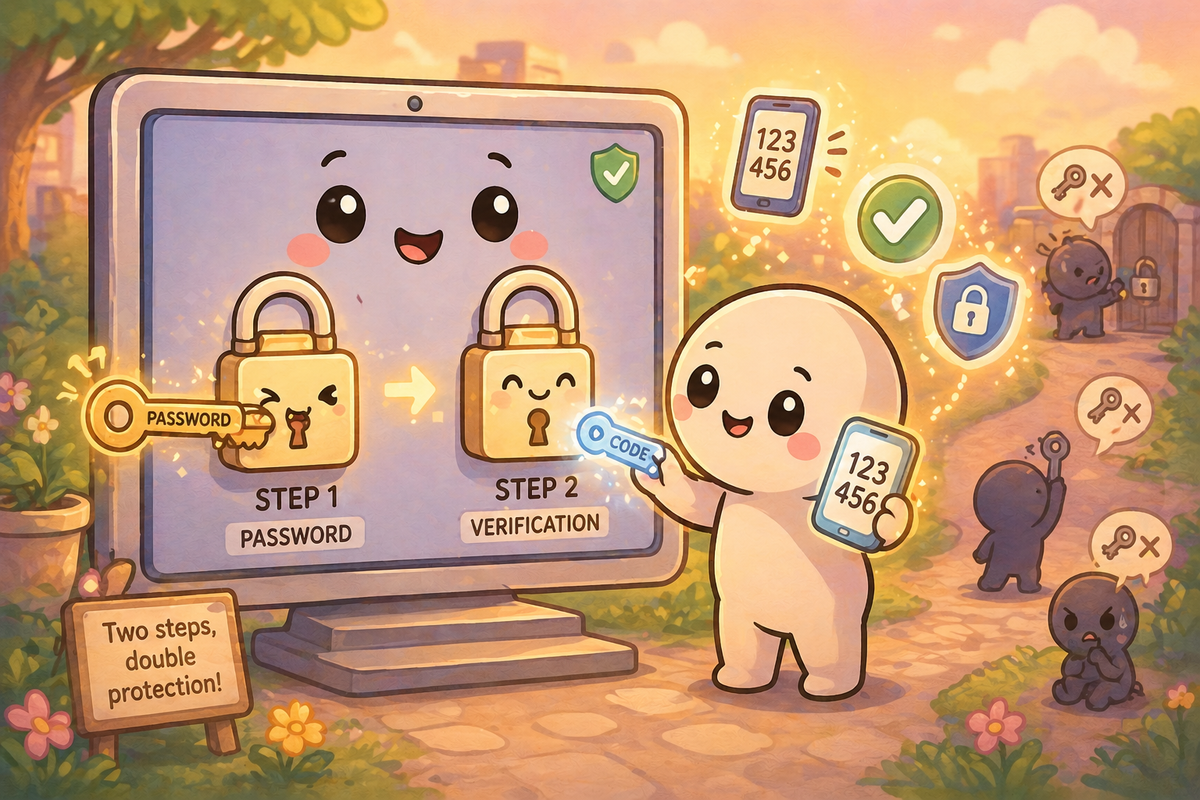
If passwords are the front door to your online accounts, then two-factor authentication is the second lock.
You’ve probably seen it before:
A code sent to your phone
A prompt asking you to approve a login
A fingerprint or face scan
It can feel like an extra step.
But that extra step makes a very big difference.
So what is two-factor authentication?
Two-factor authentication (often shortened to 2FA) means proving who you are in two different ways instead of just one.
Usually, that means:
- Something you know → your password
- Something you have → your phone or device
Sometimes it can also include:
- Something you are → fingerprint or face recognition
The idea is simple:
Even if someone gets one part, they still can’t get in.
Why isn’t a password enough?
Passwords are useful — but they have limits.
As we saw in the phishing article, attackers don’t always need to “break” a password.
Sometimes they:
- Trick someone into giving it away
- Reuse it from another site
- Guess it if it’s weak
That means:
A password on its own is only one line of defence.
What does 2FA actually do?
2FA adds a second check.
So even if someone has your password, they still need:
- Your phone
- Your device
- Your approval
For example:
You enter your password
→ The system asks for a code from your phone
→ You enter the code
→ Access is granted
Without that second step, the login stops there.
Does this stop phishing?
It helps a lot — but it’s not perfect.
If someone tricks you into giving away your password, 2FA can still protect you because the attacker doesn’t have your device.
However, in more advanced phishing attempts, attackers may try to:
- Ask for the code as well
- Trick you into approving a login
That’s why the most important habit still applies:
Slow down and check what you’re being asked to do.
What types of 2FA are there?
Not all 2FA is the same.
Codes by text message (SMS)
- Easy to use
- Widely supported
- Better than nothing
Authenticator apps
- Generate codes on your device
- More secure than SMS
- Common apps include Google Authenticator and Microsoft Authenticator
App approval prompts
- “Is this you?” notifications
- Simple and quick
- Often the easiest option for most people
Hardware keys
- Physical devices you plug in or tap
- Very secure
- Usually used in workplaces or high-security accounts
Is it worth the extra step?
Yes — and this is one of the simplest improvements most people can make.
It turns this:
“If someone gets my password, they’re in”
Into this:
“Even if they have my password, they still can’t get in”
That’s a big shift for a very small effort.
Should you be using it?
If a service offers 2FA, it’s usually worth turning it on — especially for:
- Email accounts
- Banking and financial services
- Social media
- Anything linked to your identity
These accounts are often the “keys” to everything else.
What does this mean for me?
You don’t need to change everything at once.
A simple approach:
- Turn on 2FA for your email first
- Then your banking and important accounts
- Use an authenticator app where possible
- Be cautious of unexpected login requests
And remember:
If you ever receive a login approval you didn’t request, that’s your signal to stop and check.
🧠 The Human Factor
| Technology involved | Two-factor authentication (codes, apps, and device-based login checks) |
| Root cause | Passwords alone can be guessed, reused, or given away under pressure |
| What was at risk | Account access, personal data, and linked services |
| Prevention | Enable 2FA, prioritise key accounts, and verify unexpected login requests |
References and sources
- National Cyber Security Centre (NCSC) — 2FA guidance
- UK ICO — Account security advice
- Industry best practices on authentication