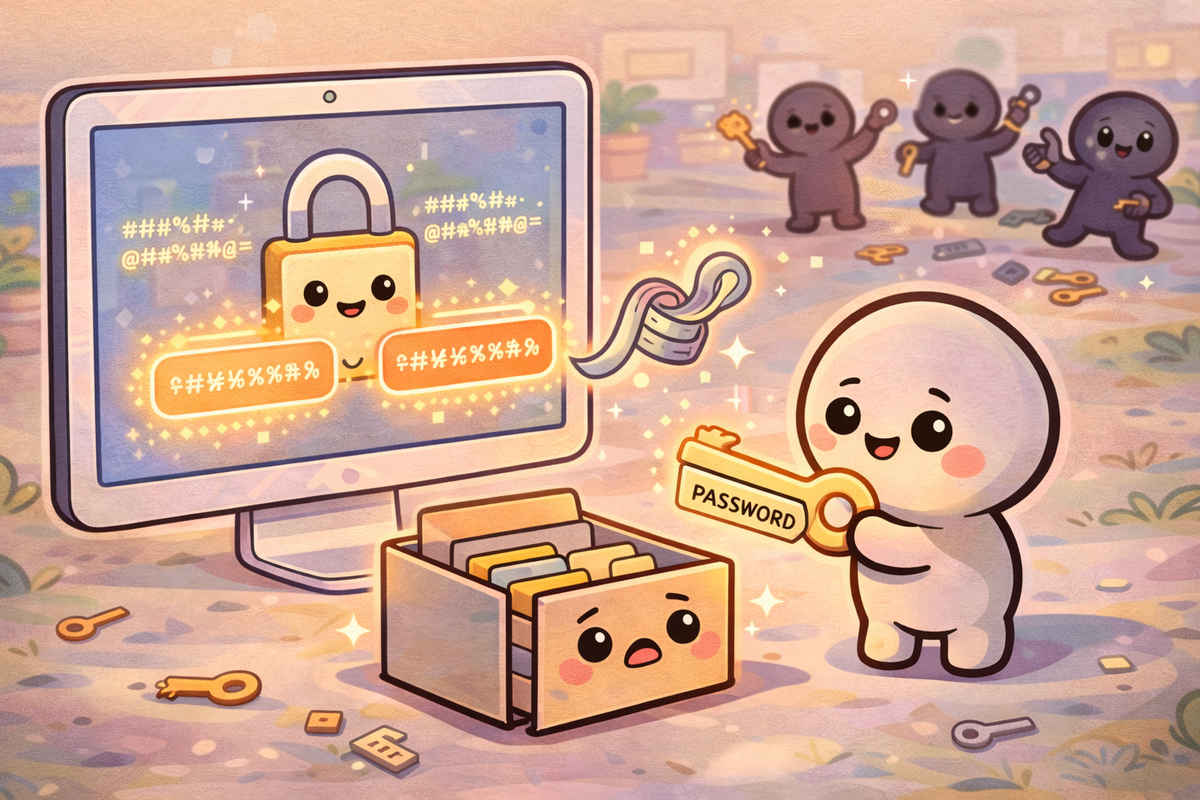
Passwords are one of those things we all use every day — but very few people ever stop to ask what they actually are, or how they work behind the scenes.
And once you understand that, a lot of the advice you hear about “strong passwords” suddenly makes much more sense.
So what actually is a password?
At its simplest, a password is just a secret you share with a system.
When you log into your email, bank, or favourite app, you’re proving one thing:
“I know the secret that belongs to this account.”
That’s it.
It’s no different to a key for your front door — except instead of a physical key, it’s a word or phrase stored in your memory.
How does a website know your password is correct?
This is where things get more interesting.
Most people assume a website stores their password somewhere and checks it directly.
In a well-designed system, that’s not what happens at all.
Instead, websites use something called a hash.
A hash is a one-way transformation. You put a password in, and it turns into a long, scrambled string of characters. For example:
- Your password:
sunshine-garden-42 - Stored value: something like
a9f3c8d1e2...(much longer and unreadable)
The key detail:
You cannot turn a hash back into the original password.
So when you create a password, the system stores only the hash, not the password itself.
When you log in:
- You type your password
- The system hashes what you typed
- It compares that hash to the stored one
If they match, you’re in.
That means even if a company is breached, they often don’t have your actual password — just the scrambled version.
What is a “good” password?
A good password isn’t about being clever — it’s about being hard to guess and hard to crack.
That usually means:
- Long (this matters most)
- Unpredictable
- Not reused across different sites
A bad password:
Password123- Your pet’s name
- Anything short and obvious
A good password:
blue-carpet-holiday-lampriver!cloud!banana!train
These look simple, but they’re much harder for a computer to guess.
Are passphrases better than passwords?
Yes — for most people, they are.
Instead of trying to remember something like:
T9$xP!2q
You use a passphrase, which is just a longer, natural phrase:
coffee-table-summer-windowmy dog loves rainy mornings
They are:
- Easier to remember
- Much longer
- Just as (or more) secure
For a family audience, this is one of the most practical improvements people can make immediately.
Why does length matter so much?
Because of how attacks actually work.
When attackers try to break passwords, they often use brute force — meaning:
Trying huge numbers of possible passwords very quickly.
Computers are extremely fast at this.
But here’s the important part:
- A short password might have millions of possible combinations
- A long password has trillions upon trillions
Each extra character increases the difficulty exponentially, not just a little bit.
That’s why:
A long, simple phrase is usually safer than a short, complex one.
Will quantum computing change this?
It’s a fair question — and one that gets a lot of dramatic headlines.
The honest answer is:
Not in the way people often think.
Quantum computing could make certain types of encryption weaker in the future.
But for everyday passwords:
- The biggest risk today is still human behaviour (reused passwords, phishing, weak choices)
- Not advanced computing breakthroughs
Even with powerful machines, a long, well-chosen password or passphrase remains extremely difficult to crack.
Do we still need passwords?
Right now — yes.
Passwords are still the most widely used way to protect accounts because they are:
- Simple
- Cheap to implement
- Familiar to everyone
But they are far from perfect.
They rely on humans remembering secrets — and humans are not always great at that.
What might replace passwords?
You’re already starting to see the shift.
Many services now offer alternatives such as:
Passkeys
These use your device (like your phone or laptop) to prove it’s you, often using:
- Fingerprint
- Face recognition
- Device security
No password to remember at all.
Two-factor authentication (2FA)
Even if you use a password, you add a second step:
- A code on your phone
- A notification to approve
This makes accounts much harder to break into.
Password managers
These don’t replace passwords, but they handle them for you, generating and storing strong ones so you don’t have to remember them all.
Should you be worried?
For most people, there’s no need to panic — but there is a need to be a bit more deliberate.
The real risk doesn’t come from sophisticated hackers guessing your password one character at a time.
It comes from:
- Reusing the same password across multiple sites
- Clicking on phishing links and giving it away
- Choosing something short and easy to guess
Those are everyday, human problems — and they’re fixable.
🧠 The Human Factor
| Technology involved | Password systems and hashing used by websites and apps |
| Root cause | Humans choosing weak passwords or reusing them across multiple services |
| What was at risk | Personal accounts, emails, banking access, and private data |
| Prevention | Use long passphrases, avoid reuse, enable 2FA, and consider a password manager |
References and sources
- National Cyber Security Centre (NCSC) — Password guidance
- UK ICO — Data security practices
- OWASP — Password storage and hashing best practices
- Industry research on password cracking and brute force attacks