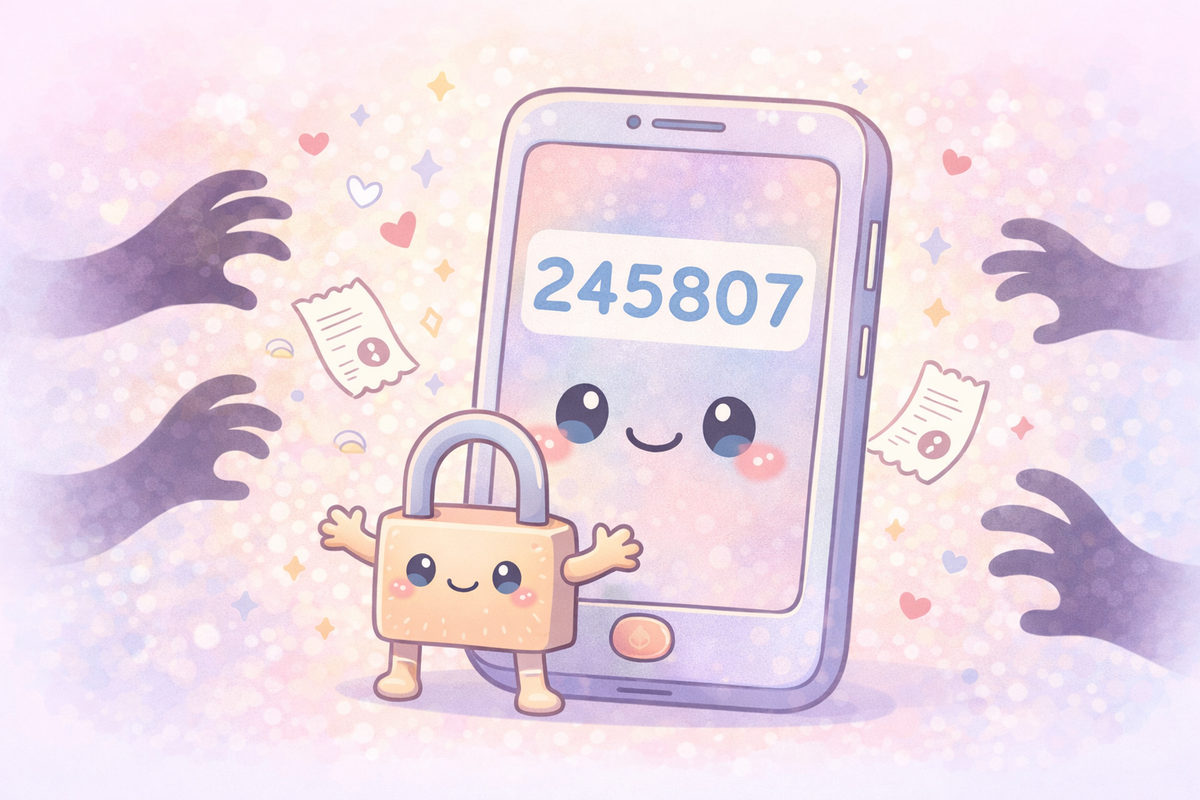
You log in to your bank. You enter your password. Then your phone buzzes with a six-digit code, and the website asks you to type it in. You've done this a hundred times. But do you know what that code actually is — and why handing it to the wrong person would open your account to a stranger?
So what actually is multi-factor authentication?
When you log in to any account — your bank, your email, your shopping apps — the system needs to be sure it's really you. It does this by checking one or more of three things:
Something you know. A password or PIN. This is the most common, and the weakest on its own. Passwords get guessed, stolen, or leaked.
Something you have. Your phone, a bank card, or a hardware key. Only the real you has this physical thing.
Something you are. Your fingerprint or your face. These are hard to fake and hard to steal.
Multi-factor authentication — often called MFA or 2FA — means the system checks at least two of these things before letting you in. Your password alone isn't enough. A criminal would also need your phone. Or your face.
That six-digit code is the "something you have" check. Your bank generates it, sends it only to your registered phone, and it expires in about 30 seconds. It's called a one-time passcode — or OTP — because it works exactly once and then becomes useless.
Some services skip the code entirely and send a push notification instead — a pop-up on your phone that simply asks "Was this you?" with an Approve or Deny button. Apple uses this when you sign in to your Apple ID on a new device. Many workplace systems use it too. It's convenient, but it comes with its own risk. Criminals who already have your password can trigger these approval requests repeatedly, bombarding your phone until you tap Approve out of frustration or confusion — just to make them stop. This is known as MFA fatigue. If you receive approval requests you didn't trigger, the answer is always Deny. Then change your password immediately, because someone already has it.
Why is this such a good idea?
Passwords get compromised more often than most people realise. Data breaches happen at companies all the time. If you've ever used the same password across multiple sites, the odds are good that it's appeared in a leaked database somewhere.
MFA means a stolen password is no longer enough to get into your account. A criminal might have your email address and your password. But without your phone buzzing in your pocket at that exact moment, they're locked out.
Turning MFA on is one of the single most effective things you can do to protect your accounts. Security researchers consistently find that accounts with MFA enabled are far less likely to be successfully taken over than those without it.
Most banks now require it. But for email accounts, social media, and shopping sites, it's often optional. Switch it on wherever you can. It takes about two minutes to set up and makes your account dramatically harder to break into.
A real example: the business that sold your six-digit codes to criminals
In January 2025, a UK court sentenced three men who had run a website called OTP.Agency. Their service did something simple and deeply harmful: it helped criminals get hold of other people's one-time passcodes.
Here's how it worked. A fraudster would buy a subscription — starting at £30 a week — and enter a victim's name and phone number. The service would then make an automated phone call to that victim, claiming to be from their bank and warning them about suspicious activity on their account. It would ask them to enter or read out the six-digit code that had just been sent to their phone.
The victim, alarmed and believing they were talking to their bank, would comply. The code would go straight to the fraudster. Their account would be emptied.
The NCA (National Crime Agency — the UK's lead agency for tackling serious and organised crime) estimates that more than 12,500 people were targeted in this way, through over 65,000 spoof calls. The ringleader was sentenced to almost three years in prison.
The crimes relied entirely on one thing: victims not knowing the golden rule.
The golden rule: no legitimate company will ever ask for your OTP
This is the most important thing in this article. Read it, remember it, share it.
No bank, no company, no organisation will ever call you and ask you to read out or enter your one-time passcode.
An OTP is sent to your phone so that you can prove to the website that you are you. It flows in one direction — from your phone into the login screen. It is never sent so that you can read it back to someone on the phone.
If someone calls you and asks for your OTP — for any reason, with any story — the call is a scam. Hang up.
It doesn't matter if the caller ID shows your bank's name. Phone numbers can be faked. It doesn't matter if they already know your name, your postcode, or the last four digits of your card. Criminals buy stolen data. None of that makes the call legitimate.
The only safe answer is to hang up and call your bank back on the number printed on the back of your card.
What does this mean for me?
Turn on MFA wherever it's offered. Start with your email and your bank. Then your shopping accounts. It's usually in Settings > Security. It takes two minutes and is one of the most effective things you can do.
Treat your OTP like cash. The moment that six-digit code appears on your phone, it's yours and yours alone. Don't read it out. Don't type it into any site other than the one you're logging into. Don't forward the text message to anyone.
Only approve push notifications you recognise. If your phone asks you to approve a login and you're not in the middle of logging in anywhere, tap Deny — then change your password straight away. Repeated approval requests you didn't ask for are a sign someone already has your password and is trying to get past the second step.
Unexpected call asking about your security? Hang up. Real banks don't call you and ask you to enter or confirm a one-time code. If you're worried the call might be genuine, hang up, wait five minutes, and call your bank back on the number on the back of your card.
Use an authenticator app if you can. Apps like Microsoft Authenticator or Google Authenticator generate codes on your phone without sending you a text message, which is slightly more secure. Most major services support them. Your bank may still use SMS — that's fine — but for email and social media, the app option is worth switching to.
🧠 The Human Factor
| Technology involved | Multi-factor authentication (MFA) and one-time passcodes (OTPs) sent by SMS, generated by an app, or delivered as push notifications |
| Root cause | Criminals exploiting people's trust — impersonating banks and creating a false sense of urgency to trick victims into handing over codes they should never share, or wearing them down with repeated approval requests until they comply |
| Prevention | Enable MFA on all accounts; never share an OTP with anyone for any reason; only approve push notifications you triggered yourself; hang up on unsolicited calls asking for codes and call back on a trusted number |
References and sources
- National Crime Agency press release: Website operators who promised fraudsters instant profit if they subscribed to illegal service are sentenced — nca.gov.uk (January 2025)
- Three sentenced over OTP.Agency MFA fraud service — Computer Weekly (January 2025)
- National Cyber Security Centre guidance on multi-factor authentication — ncsc.gov.uk
- Case: R v Picari, Vijayanathan and Siddeeque — Snaresbrook Crown Court, sentenced 27 January 2025. NCA investigation reference: OTP.Agency (otp.agency), operational September 2019 – March 2021.
This article will be updated if further information becomes available.
Last updated: 20 March 2026 We update breaking stories as new information becomes available.