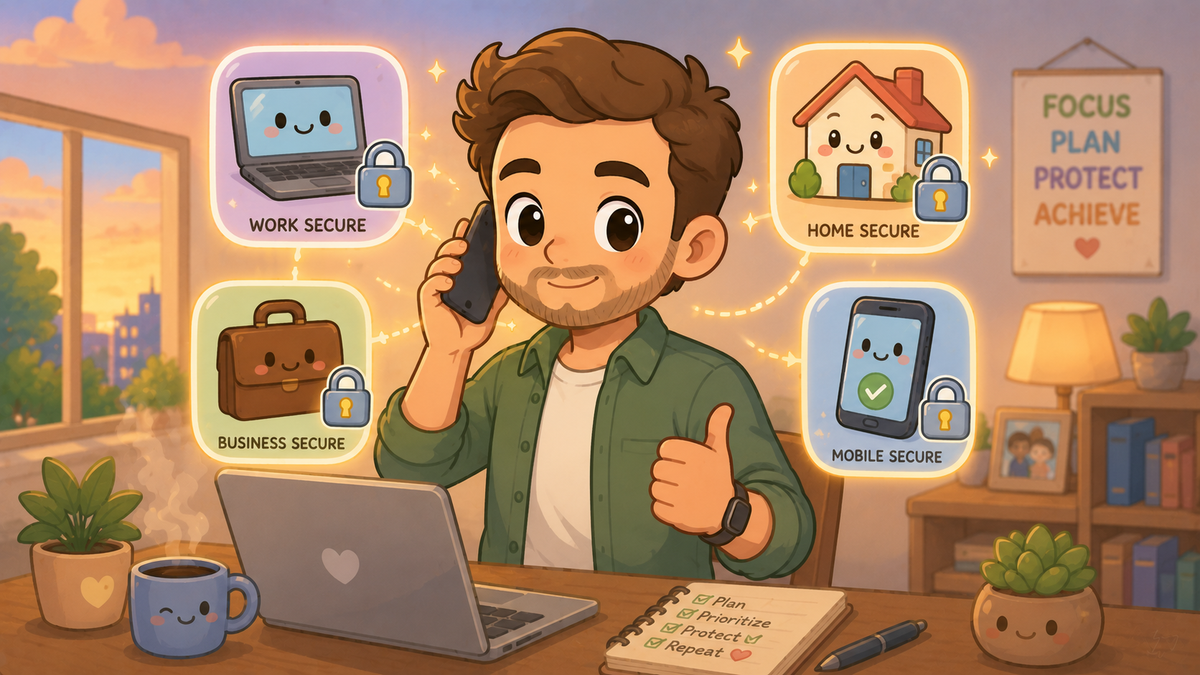
This article is written for adults navigating their own digital lives and, often, those of the people around them too. The other parts in this series are written for children, teenagers, and older adults.
Adults in 2026 occupy an interesting position. Old enough to remember life before the internet, young enough to use it for almost everything. Managing your own accounts, your family's accounts, your employer's systems, and sometimes your elderly parents' devices simultaneously. Being expected to understand two-factor authentication while also explaining it to everyone else.
This article is about the specific risks most likely to affect you — the working adult, the parent, the person with a mortgage and a pension and a job and a lot of things to protect — and what to actually do about them.
Your email is the master key
If someone gets into your email account, they can reset every other password you have. Banking, shopping, social media, work systems — all of them have a "forgot password" option that sends a reset link to your email. Control the email, control everything.
This makes your email account the one that deserves your most careful security attention. A strong, unique passphrase. Two-factor authentication switched on. And ideally, a recovery phone number or secondary email that is also secured.
If you use the same password for your email as for anything else, change it today. This is the single highest-impact security action most people could take and have not yet taken.
Your workplace is a target
The 2025/2026 UK Cyber Security Breaches Survey found that 43% of UK businesses experienced a cyber incident in the past year. Phishing was the entry point in 85% of them. The entry point was almost always a person — someone on the team who clicked something they should not have.
This is not about blame. Phishing emails are specifically designed to look legitimate, and they are increasingly assisted by AI tools that make them more convincing than ever. But being aware of the pattern — an email that creates urgency, asks you to click something, or requests credentials or money — is a meaningful defence.
The specific attack worth knowing about at work is Business Email Compromise. A criminal either hacks or impersonates a senior person's email account and uses it to instruct finance teams to make payments, change bank account details for suppliers, or transfer money urgently. The email looks completely genuine because it is either from the actual account or from an address that is nearly identical. UK businesses lost more to BEC in 2025 than to ransomware. Check any unusual payment instruction by calling the person directly on a number you already have — not the one in the email.
Your home network is more complex than you think
Most households now have significantly more internet-connected devices than they realise. The router, obviously. Phones and laptops. But also: smart speakers, smart TVs, thermostats, doorbells, baby monitors, gaming consoles, tablets, and sometimes security cameras. Each of these is a potential entry point to your home network.
The most important thing you can do for home network security is change the default password on your router — the one printed on the back of it that came from the factory, which is often the same across thousands of identical devices. Set a strong unique password and enable WPA3 encryption if your router supports it.
A guest network, separate from your main network, is worth setting up for devices you trust less — smart home gadgets, visitors' phones, anything that does not need access to your files or your family's devices. Most modern routers support this and the setup takes about five minutes.
Your financial accounts
The UK's mandatory APP fraud reimbursement rules, introduced in October 2024, mean that if you are tricked into authorising a bank transfer to a scammer, your bank is required to reimburse you up to £85,000, provided you took reasonable care.
This is meaningful protection. But "reasonable care" matters — following up an unusual payment instruction via a phone call to a number you already have, not clicking links in texts claiming to be from your bank, and not being pressured into acting urgently without verifying first are the behaviours the rules assume.
Your bank card has a number on the back. Your bank has an official website with a verified phone number. These are the only sources you should use to contact your bank. The number given to you by an incoming caller, however convincing, is not.
The accounts you have forgotten about
Most adults have dozens of online accounts they created years ago and no longer actively use. Old email addresses. Forums. Shopping sites. Loyalty programmes. Each of these holds some combination of your personal information and, possibly, a password you still use elsewhere.
Breached credentials from dormant accounts are as valuable to attackers as credentials from active accounts — your email and the password you used in 2015 for a site you have not visited since can still be tried against your current banking login.
Going through your browser's saved passwords and deleting or updating old accounts is tedious. It is also one of the more effective security exercises most people have not done. Start with the ones that share a password with anything important.
What does this mean for me?
Secure your email first. Strong passphrase, two-factor authentication, recovery options set up. Everything else depends on it.
At work, verify unusual payment instructions by phone. BEC is the fastest-growing financial cybercrime against UK businesses. A two-minute call saves significant money and embarrassment.
Change your router's default password. It takes five minutes and closes a vulnerability that many households don't know they have.
Review your old accounts. A browser password audit — deleting or updating things you no longer use — reduces your exposure to credential stuffing attacks.
🧠 The Human Factor
| Technology involved | Email account security, home network configuration, workplace phishing and BEC attacks, and the credential stuffing that exploits forgotten old accounts |
| Root cause | Adults manage more digital accounts and systems than at any previous point in history, often without proportionate security habits — and the attacks targeting them are increasingly professional and difficult to spot |
| What was at risk | Financial accounts, work systems, home network security, and the personal information held in accounts created years ago and long since forgotten |
| Prevention | Email security as the top priority; two-factor authentication on all important accounts; router default password changed; phone verification of unusual payment requests |