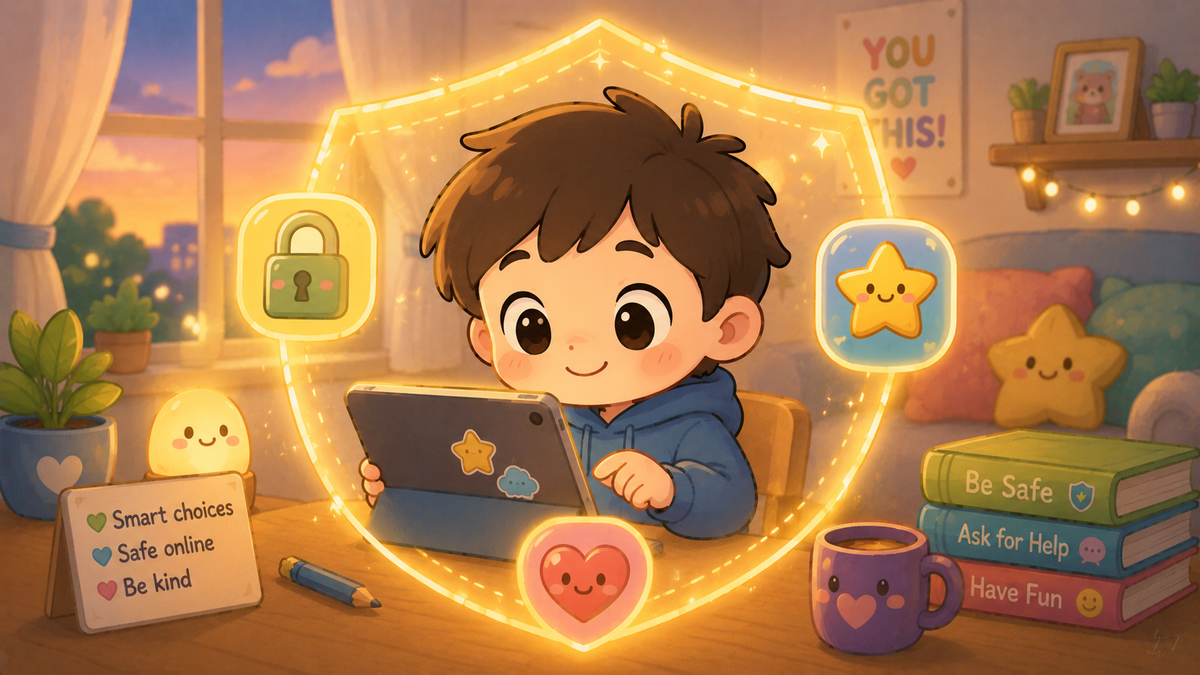
This article is written directly for children aged 7–11. Share it with a young person in your life, read it together, or leave it somewhere they might find it. The other three parts of this series are written for teenagers, adults, and older adults respectively.
Hello. This one's for you.
Not for your parents. Not for your teacher. For you.
You are growing up in a world where being online is just part of life — like riding a bike, or knowing how to cross the road safely. And just like those things, being online has some rules that are worth knowing. Not because the internet is scary, but because knowing the rules means you get to enjoy it properly without running into problems that could have been avoided.
This is your guide. Let's go.
Your information is yours
When you go online — to play games, watch videos, or talk to friends — websites and apps sometimes ask for information about you. Your name. Your age. Sometimes your address or your school.
Here is the most important thing to know: you do not have to give real information, and you should never give certain things at all.
Things that are fine to have online: a username you made up, a favourite colour, your favourite game.
Things to keep private: your full name, your home address, your school's name, your phone number, and any photos that show where you live or go to school.
Think of personal information like a secret superpower. The more you keep to yourself, the harder it is for anyone you don't know to find you in real life.
Strangers online are the same as strangers in real life
You probably already know not to get in a car with someone you don't know, or to give your address to a stranger on the street. The same idea applies online.
Some people you meet online might seem really friendly and really fun. They might be genuinely nice people. But some people pretend to be something they're not — pretend to be a child your age, pretend to have the same interests as you — to try to get information from you or to make you trust them.
Here is a good rule: if someone online asks you to keep a conversation secret from your parents or an adult you trust, that is the moment to tell an adult. Full stop. No exceptions. Good people don't ask children to keep secrets from the adults who look after them.
Passwords are like toothbrushes
You have your own toothbrush. You don't share it with your friends, even your best friends. Passwords are the same.
Your password protects your account the way a key protects a house. If someone else knows your password, they can get into your account, pretend to be you, and sometimes cause a lot of trouble. This includes your best friend — not because they would mean to cause trouble, but because even good people can accidentally share information they shouldn't.
If you need help remembering your passwords, ask a parent or trusted adult to help you keep track of them safely.
Screenshots are forever
This is an important one. When you send a message, a photo, or a video to someone, you might think only they will see it. But anything digital can be copied, screenshot, or forwarded in seconds — often without you even knowing.
Before you send anything, ask yourself: would I be okay if everyone I know could see this? If the answer is no, don't send it.
This is not about being boring or not having fun. It is about understanding that the internet has a very long memory, and that something sent as a joke today can cause real problems later.
What to do if something feels wrong
The internet is brilliant and enormous and full of good things. But sometimes you might come across something that upsets you, frightens you, or just feels weird. You might see something you weren't meant to see, or someone might say something that makes you uncomfortable.
Here is what to do:
Close the screen if you need to.
Tell a trusted adult — a parent, a carer, a teacher, an older sibling. You will not get in trouble for telling them. You will not have your tablet or phone taken away because you reported something that upset you. Adults who care about you want to know so they can help.
You can also talk to Childline, which is a free service just for children. You can call them on 0800 1111 or chat online at childline.org.uk. They are there any time, day or night, and they will listen.
You are in charge
Here is the thing that sometimes gets left out of online safety advice: the internet is genuinely great. You can learn things, make things, play things, talk to people, and explore ideas that people your age fifty years ago could not have imagined.
Knowing the rules doesn't mean being scared. It means being in charge. The more you know, the more confidently you can enjoy all the good stuff while avoiding the small number of things worth watching out for.
You've got this.
🧠 The Human Factor
| Technology involved | Online games, social platforms, messaging apps, and search engines that children encounter from an early age |
| Root cause | Children engage online with the same openness and trust they bring to real-world friendships, sometimes before they have developed the ability to recognise when something or someone is not as it seems |
| What was at risk | Personal safety, private information, and exposure to content or contact that is not appropriate for young children |
| Prevention | Age-appropriate awareness of what to keep private; knowing that trusted adults want to hear about problems; understanding that the internet remembers what you share |
Useful contacts for children and families
- Childline — 0800 1111 or childline.org.uk
- Thinkuknow — thinkuknow.co.uk
- UK Safer Internet Centre — saferinternet.org.uk
- NSPCC — nspcc.org.uk or 0808 800 5000